 Cardamoo
Poker Night: home poker on your TV, with a phone for every hand
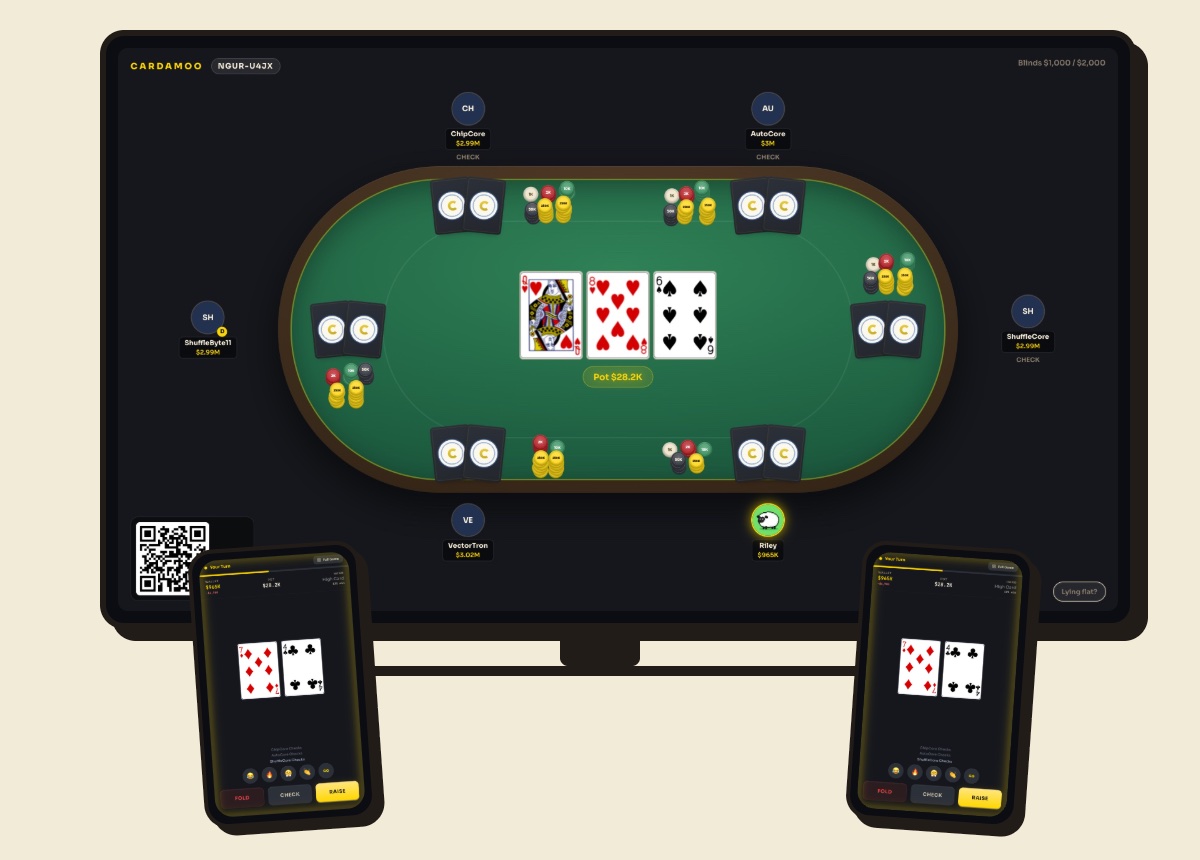
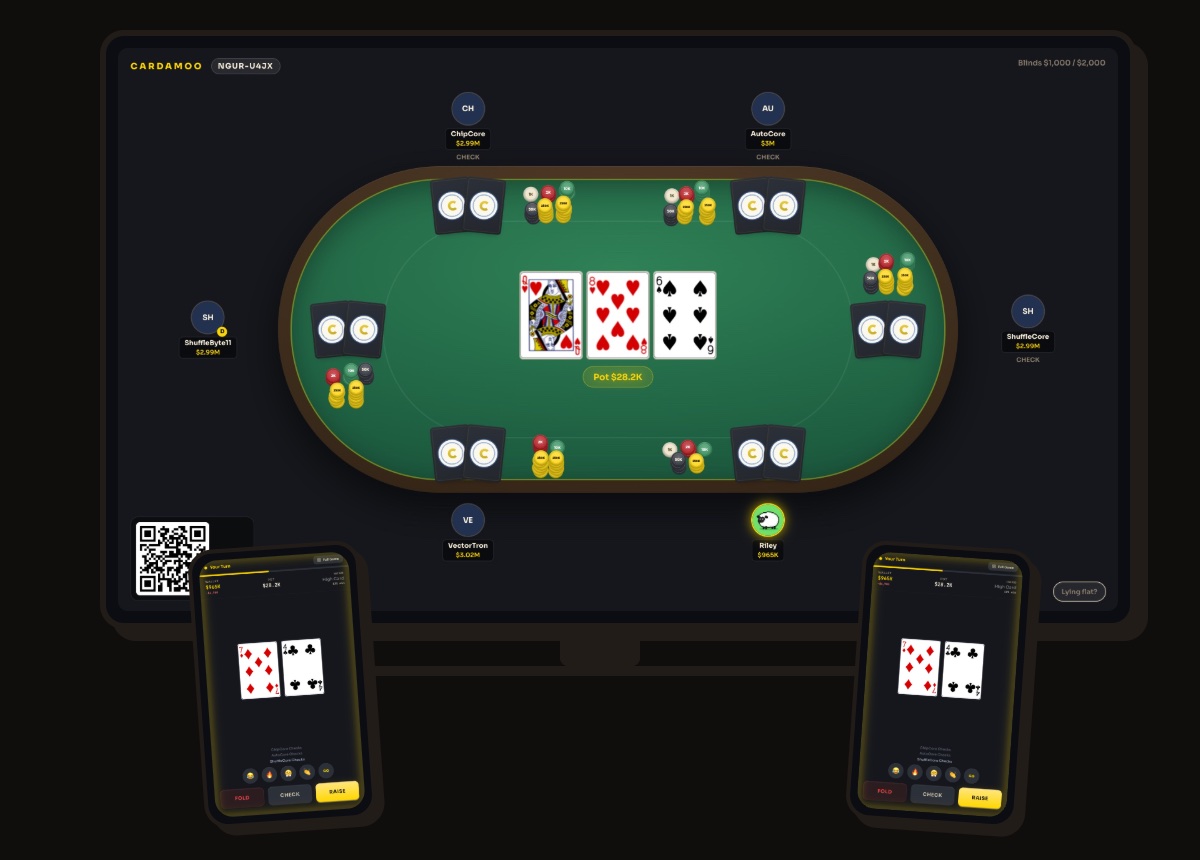
The living-room poker game without the shoebox of chips. A TV, tablet or laptop shows the table for the whole room. Each player's phone shows their own two cards and the buttons to play them. Nothing to install on the big screen, nothing to count, and never any money.
Cardamoo runs on iPhone, Android and any web browser. Friends join with one link or a room code. Nobody needs an account or a download to sit down. Up to six players at a table. Texas Hold'em. There is no voice chat built in, so use the call you already have. Chips can never be bought, by anyone, so nothing pushes you to pay. It is never played for real money.
How it works
What the room sees, and what only you see
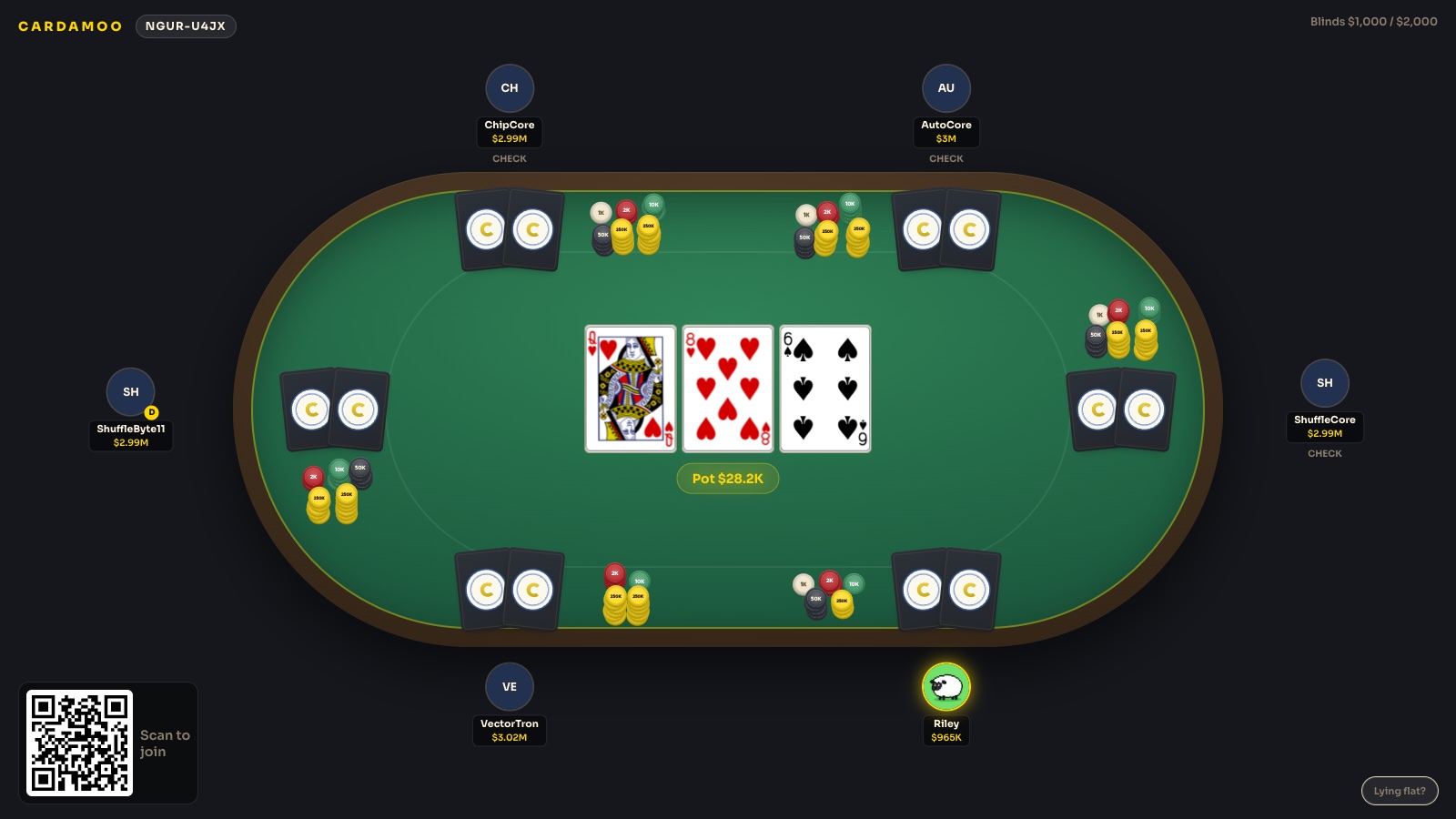
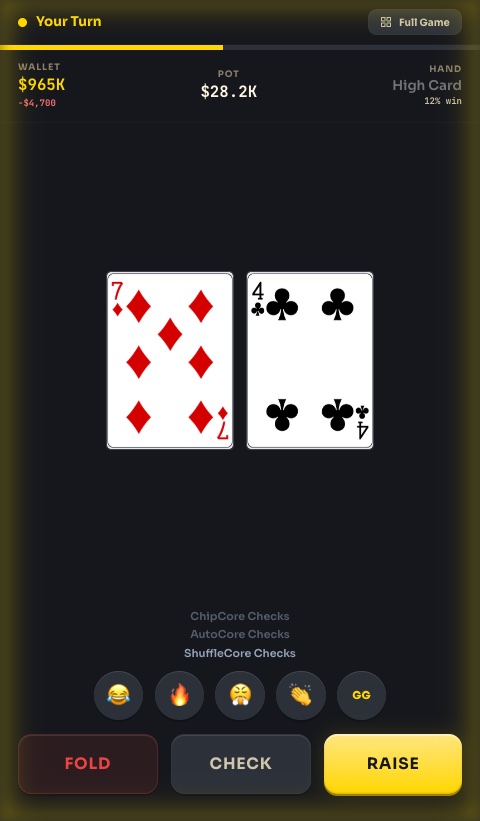
The big screen shows the community cards, the pot, every stack and whose turn it is, exactly like a real table. Hole cards never appear there. They live on your phone, face-up only to you, with the action buttons underneath. At showdown the table reveals the hands that went to the end, and you can choose to show or muck a hand you won without a fight.
It moves like a real table too. Cards go out from the dealer's seat. A bet or raise lights up that player's seat, a check knocks and a fold gives a little shake. When the hand is over the chips slide from the pot to the winner, and every card gets swept into one pile and handed back to the dealer for the next deal.
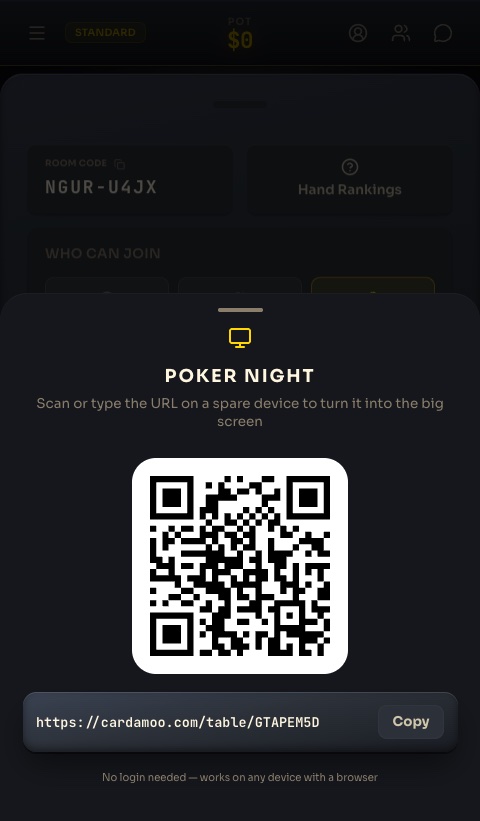
Already mirroring your phone?
If you use AirPlay or Cast screen, the Cardamoo app on iPhone and Android has a Put on TV button. The table goes up on the TV and your phone goes back to showing just your hand.
Set up for the couch
The host can tune the screen for the room. Tell it whether the screen is propped up or lying flat on the table, pick a text size from S to XL, make the cards bigger, and turn on a stronger highlight for whose turn it is. The big screen plays the table sounds, like the deal, chips going into the pot and the showdown. Phones only play your own cues, so you hear your turn without six phones going off at once.
Make it a regular night
When you're done, the host taps End night. The big screen shows a recap with the winner, the biggest pot and how many hands you played, and everyone's phone gets the same recap with a poster link to share. If everyone just leaves after ten or more hands, the night wraps up by itself.
Had fun? Make it a regular table. Everyone who played that night becomes a member, up to 12 people. The host picks a weekly night or a one-off date, and members get a reminder about an hour before. The table keeps standings from week to week, ranked by nights won and then total net, and Start tonight opens the room with the same blinds and buy-in as last time.
The recap and standings are only a record. They never change anyone's chip balance.
Why it beats a real deck
- No chips, no bank. Blinds post themselves, pots are counted for you, side pots split correctly, and nobody has to be the one who "does the chips".
- No dealer. The button moves, the cards shuffle, and the game never stalls on whose turn it is.
- The host keeps order. Change the blinds for the next hand, take someone off the table between hands (their chips go with them), or end the night.
- Beginners can play with you. The phone tells you what you can do and what it costs. The learn guides and the in-game lessons cover the rest.
- Nobody loses money. Chips are virtual and worth nothing outside the game, so the loudest argument of the night is about the river card, not the buy-in.
What you need
- One spare screen with a web browser: a smart TV, a laptop, a tablet, or a phone propped against something. A TV you can mirror your phone to works too.
- A phone per player. Friends can join from their browser without installing anything; the host needs a free account.
- Internet on every device. Same Wi-Fi is not required.
Host your first poker night
Start a table on your phone, tap Poker Night, and open cardamoo.com/tv on the nearest screen. Cards are out in under a minute.
Start a poker nightNo account needed to try · free on iPhone, Android and the web
Poker Night questions
Do my friends need the app?
No. The big screen is a web page with no login, and friends can join from their phone's browser with the room code. The host needs a free Cardamoo account to start the table.
How many people can play?
Up to six at one table, the same as every Cardamoo table.
Can you play poker on a smart TV?
Yes. Most smart TVs have a web browser built in. Open cardamoo.com/tv in it and type the code it shows into your phone. If your TV has no browser, plug in a laptop or streaming stick, or mirror your phone and tap Put on TV in the app. For a smaller group, a tablet propped on the table works just as well.
Can we make it a weekly game?
Yes. After a night the host can turn it into a regular table with a weekly night or a one-off date. Members get a reminder about an hour before, and the table keeps standings from night to night.
What can we use instead of poker chips?
You don't need any. Cardamoo keeps every stack, bet and pot on the screen, so there is nothing to hand out or count at the end. If you are playing with real cards and no app, coins, sweets or even matchsticks do the job, as long as everyone agrees what each one is worth before the first hand.
Does everyone need to be on the same Wi-Fi?
No. The big screen and every phone just need an internet connection.
Is Poker Night free?
Yes. Poker Night, the tables, and the chips are all free. Chips are virtual and can never be bought, transferred, or cashed out.
Planning your first one? Read how to host a poker night. Not in the same room? Play with friends online. Wondering how this compares to Air Poker or Smart Dealer Poker? Side by side.